Location Entity
Powers online listings and location page content

- Entity Type: Location Entity
- Entity Description: Powers online listings and location page content
- Example URL: https://restoration1.com/location-name
The Location Entity works two-fold. It powers components of your location page on restoration1.com and powers your directory listings in Yext.
Field Descriptions and Mappings
Below are the different fields within the Location Entity, their descriptions, and uses.
Core Information
“Core Information” refers to the essential fields that are foundational to the Location Entity.
Field Name: Name

Description: Your DBA with Restoration 1. Preset Field
Field Name: Categories

Description: Main categories your business falls under. Preset Field
Field Name: Address
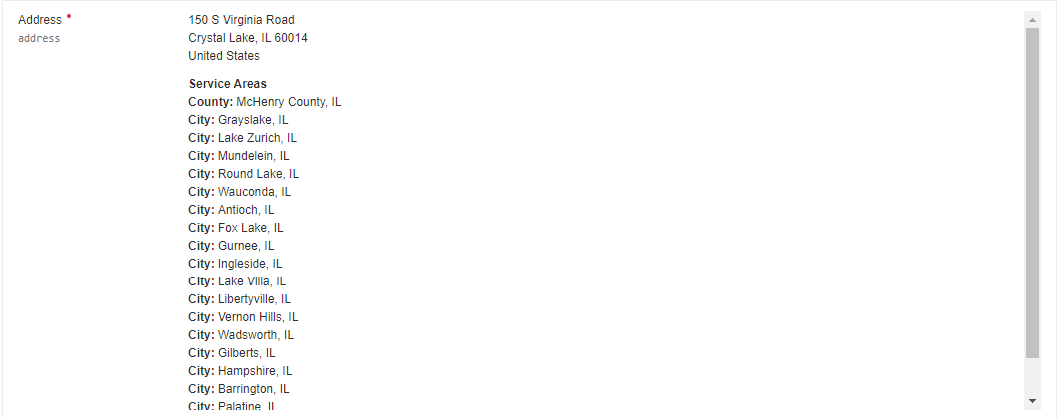
Description: Your business address and service areas (up to 20 entries). You can also choose to show or hide your address in this section.
Field Name: Main Phone

Description: This is your NAP number, labeled "R1 Office – Location Name" or "Yext" in CallRail. It ensures the consistency of your tracking numbers and has specific use cases. Preset Field
Field Name: Featured Message

Description: A short message about your business with a clickable URL as a call-to-action.
Field Name: Entity ID

Description: Your Franchise ID. A unique identifier for website APIs.
Pages - SEO Fields
The “SEO Fields” section contains crucial metadata fields that optimize your location page for search engines. By providing well-crafted Meta Titles and Meta Descriptions, you enhance your page’s visibility in search results, improve click-through rates, and ensure that potential customers find accurate information about your services.
Field Name: Meta Title

Description: Meta Title used for SEO.
Field Name: Meta Description

Description: Meta Description used for SEO.
Pages – Hero Plain Background
The “Hero Plain Background” section focuses on the primary content displayed at the top of your location page without any background images or overlays.
Field Name: H1

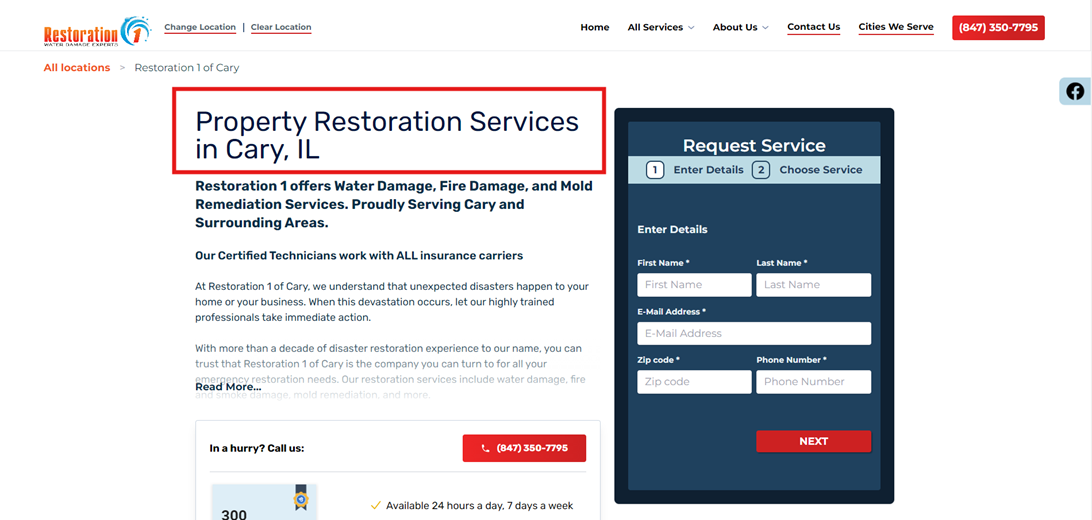
Description: H1 Title Tag used on the location pages. Important for SEO.
Field Name: Page Description
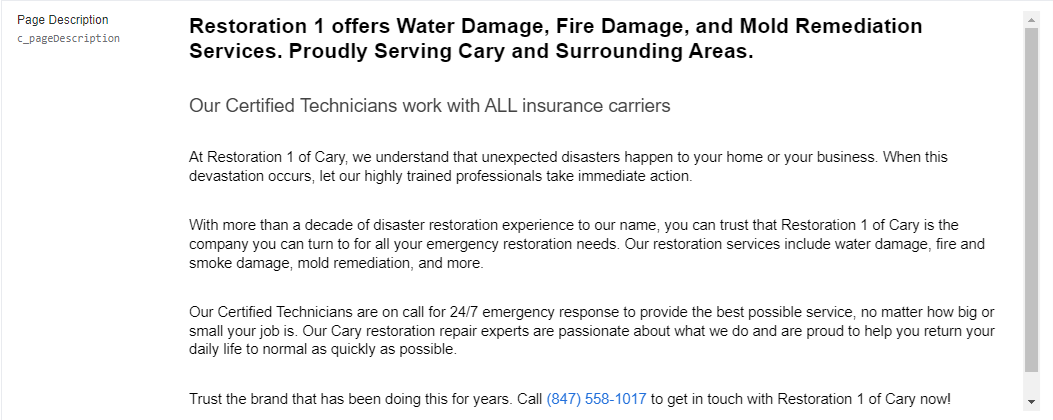
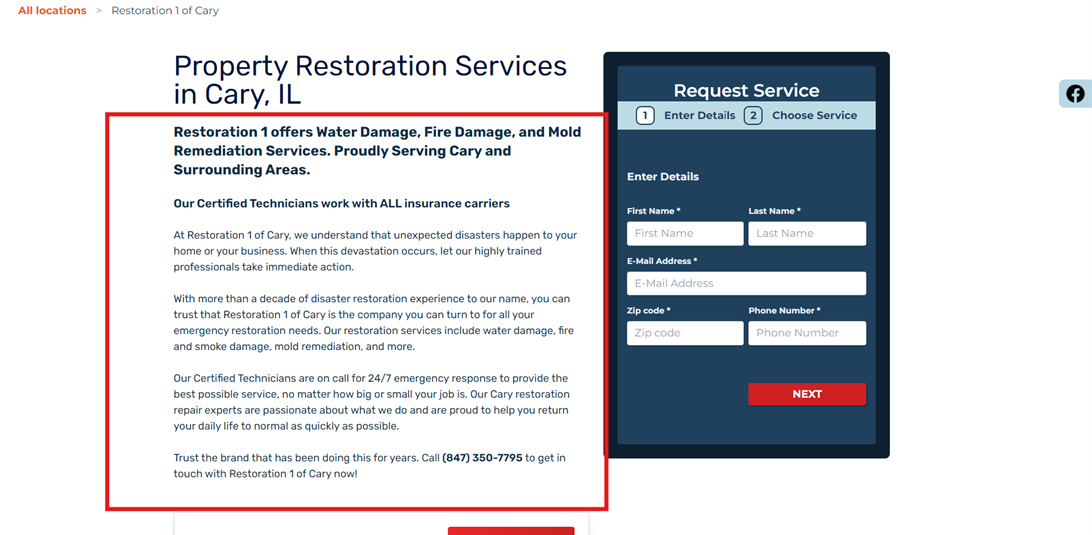
Description: Powers the body content of your location page.
Field Name: Facts List

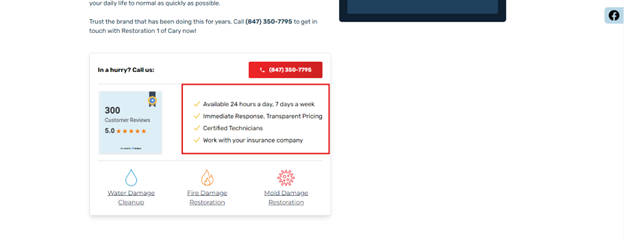
Description: Used to showcase key business information on the location page and additional templates.
Field Name: Primary Services
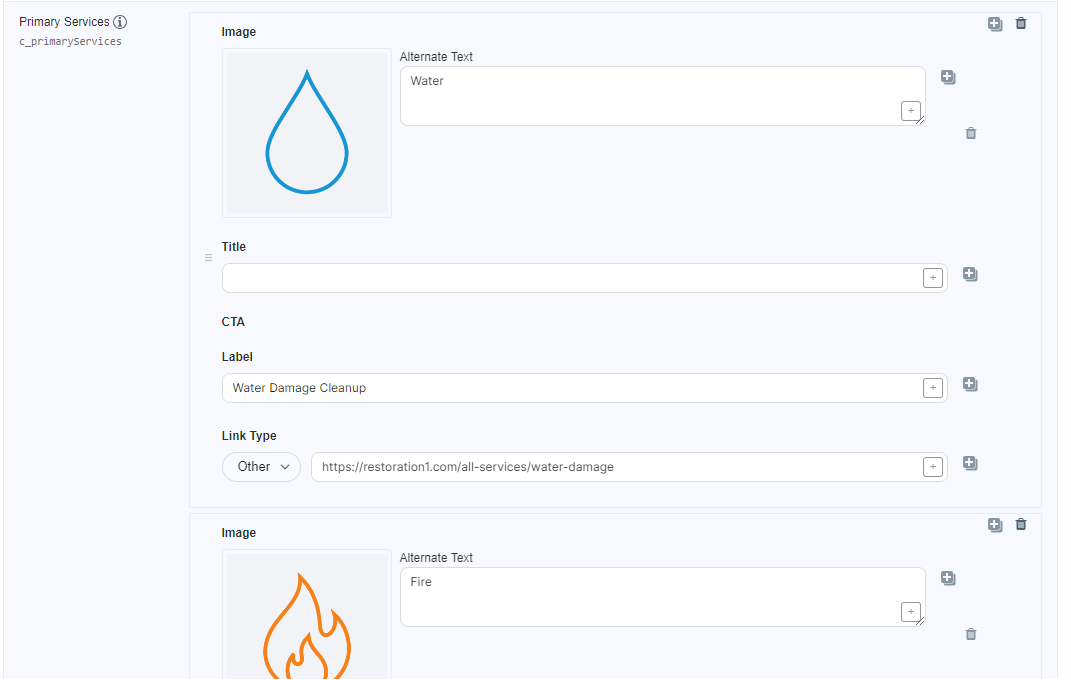
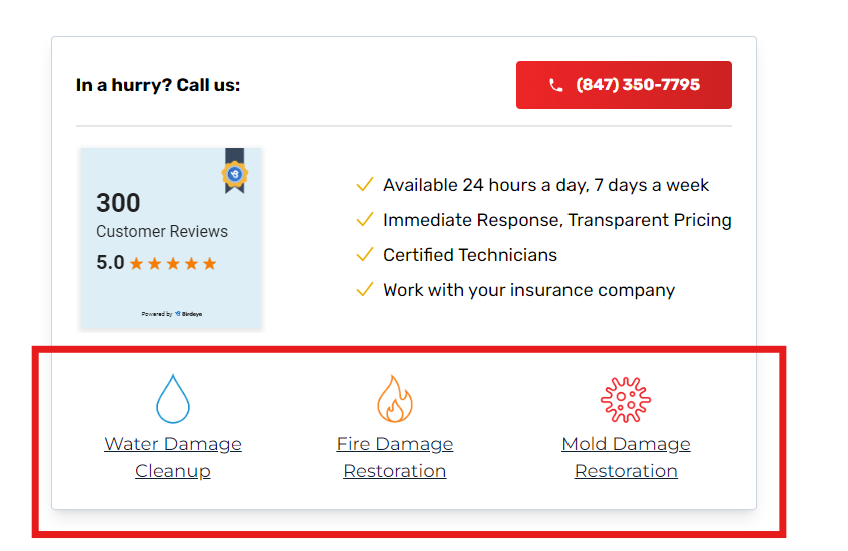
Description: Showcases 3 main services for the specific location and links out to those specific pages.
Field Name: Local Awards
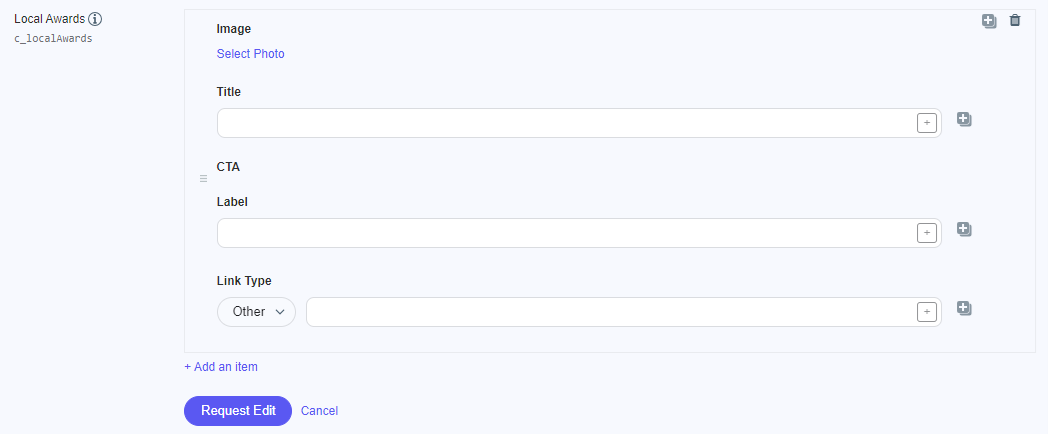
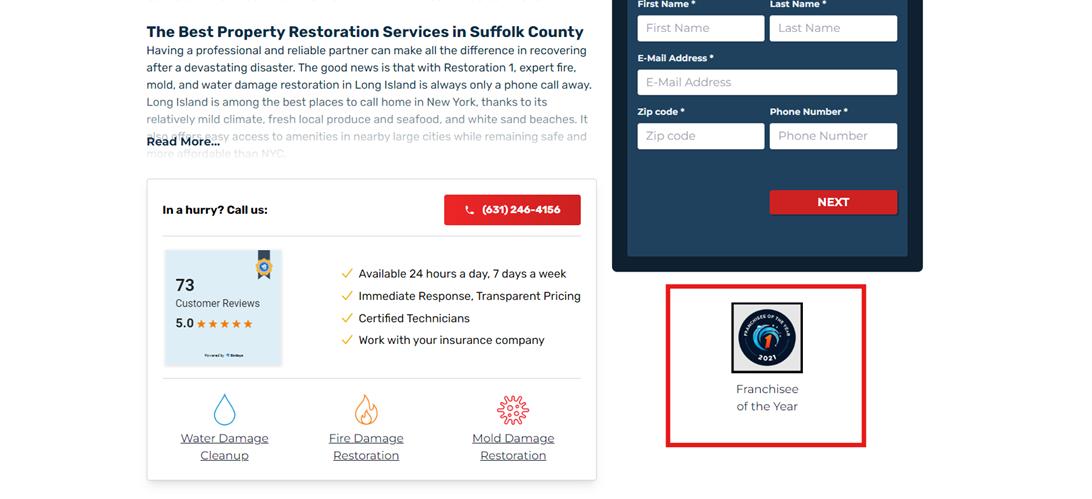
Description: Used to showcase any local awards, badges, etc., on your location page and additional templates.
Field Name: Local Social List

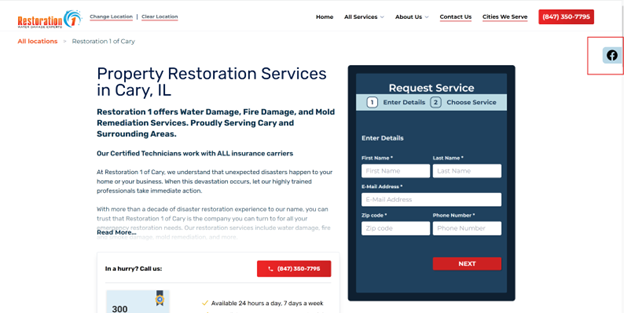
Description: Used to showcase social media icons on the location page and additional templates.
Pages – Featured Products
The “Featured Products” section enables you to showcase key services or products that your location excels in.
Field Name: Featured Services Title

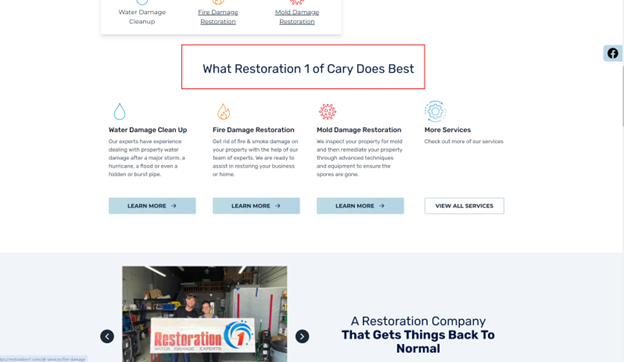
Description: Title to showcase what the location does best.
Field Name: More Services
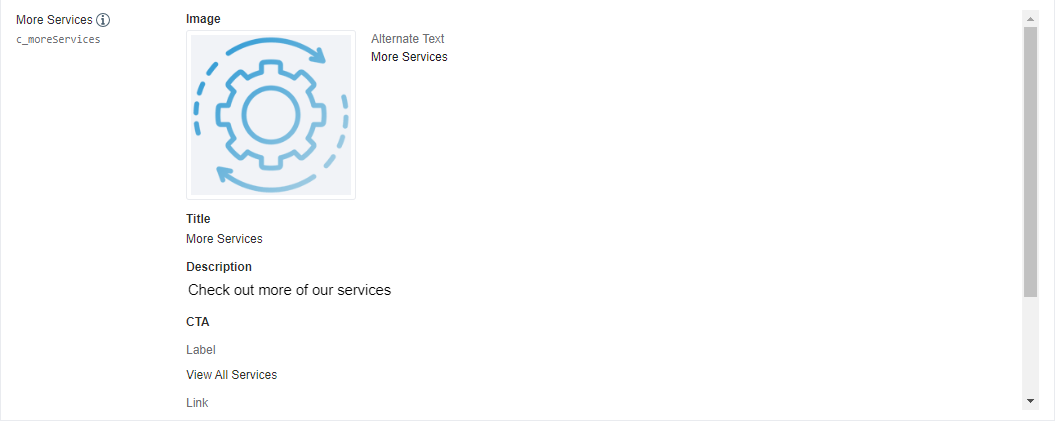
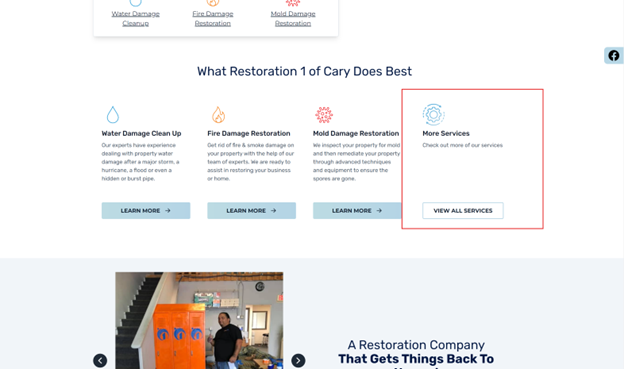
Description: Used to showcase an additional service if needed.
Pages – Promo Image Left
The “Promo Image Left” section allows you to highlight promotional content with an image placed to the left of the accompanying text.
Field Name: Carousel Promotion Tile

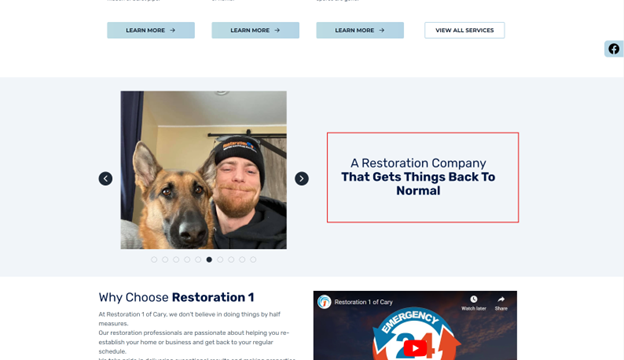
Description: A blurb to showcase the images displayed to the left.
Field Name: Carousel Promotion Photos
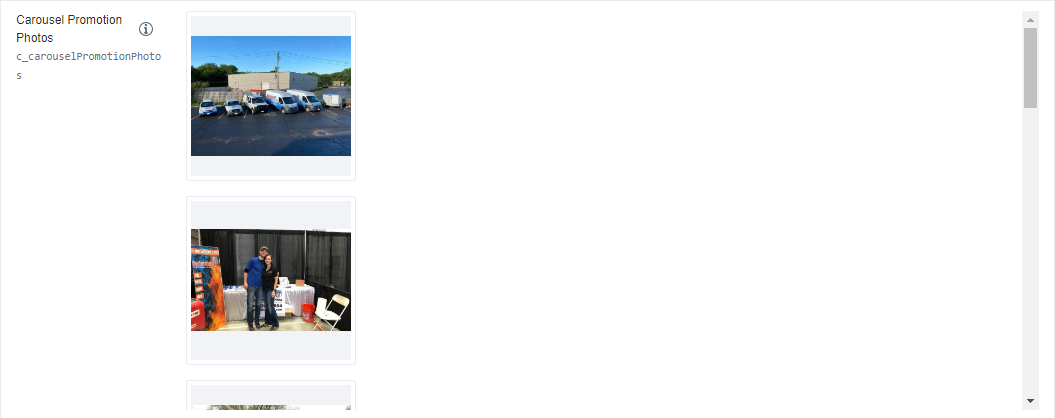
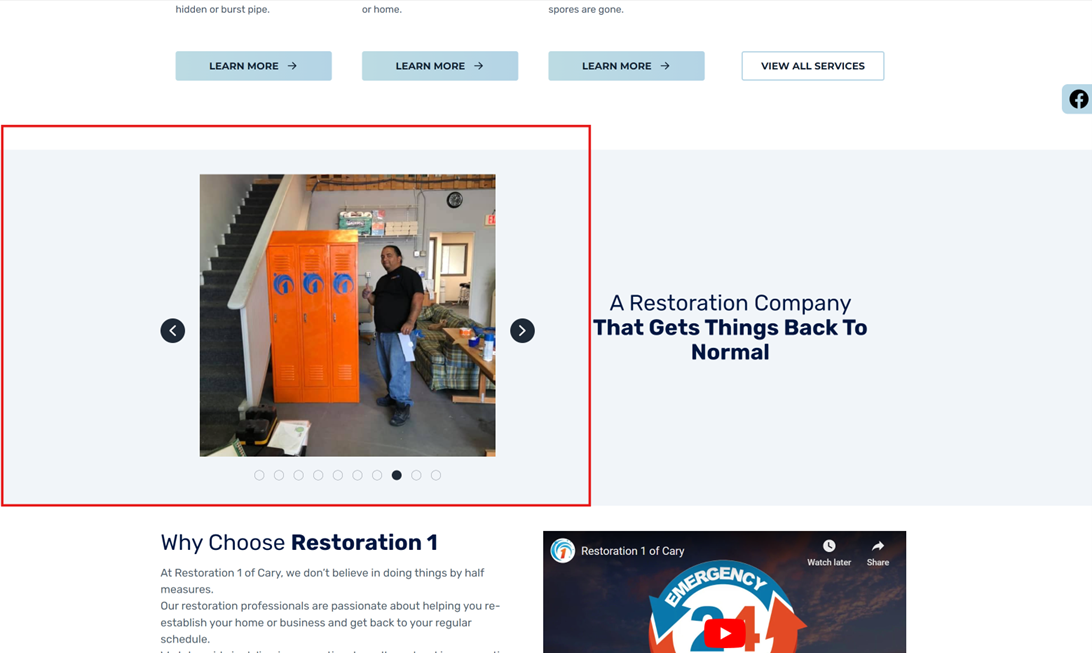
Description: Showcases images on the location page and related templates.
Pages – Promo Image Right
The “Promo Image Right” section is designed to showcase promotional content with an image positioned to the right of the accompanying text.
Field Name: Why Choose Us Title

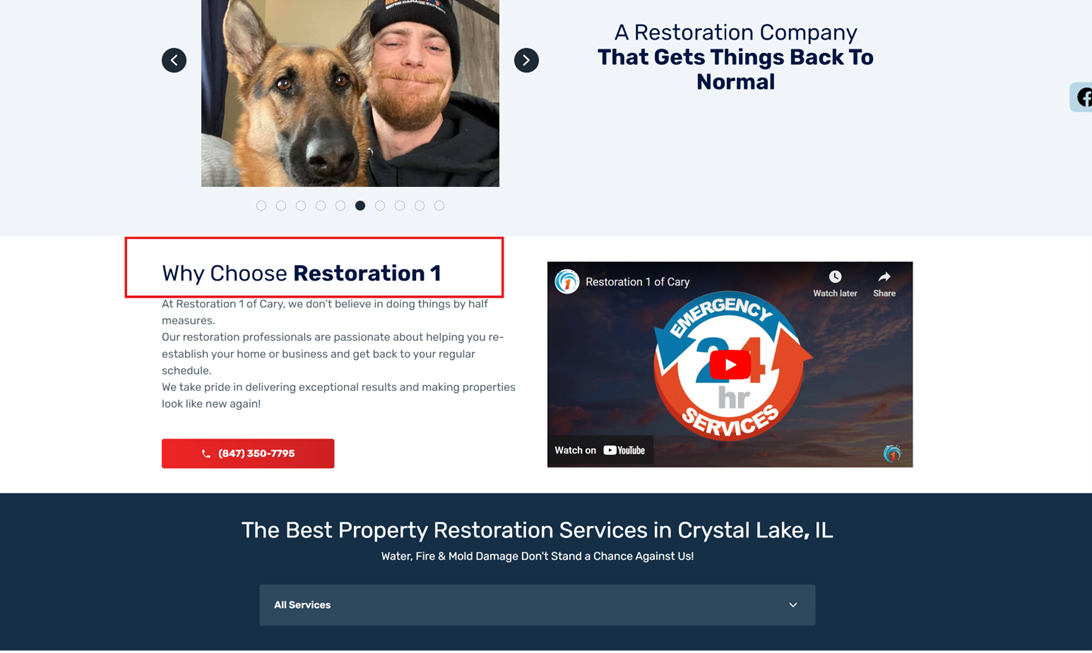
Description: Title of the "Why Choose Us" section.
Field Name: Why Choose Us Video
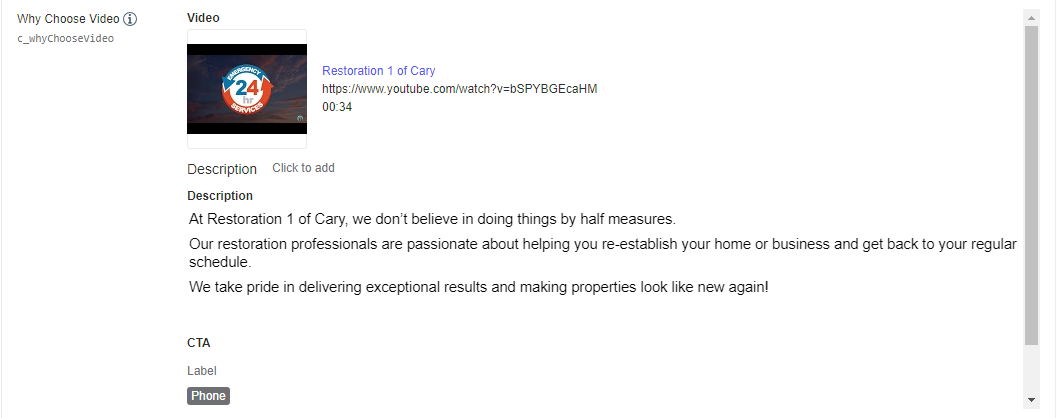

Description: Showcases a video, description, and CTA in this section. YouTube links work best for videos.
Pages – Our Services
The “Our Services” section is dedicated to showcasing all the services your location provides. This area allows you to present a detailed list of your offerings, complete with descriptions and any pertinent information that can help visitors understand the value and scope of what you provide.
Field Name: Main Services Title


Description: Title showcasing the services for the location. Preset Field
Field Name: Main Services Subtitle

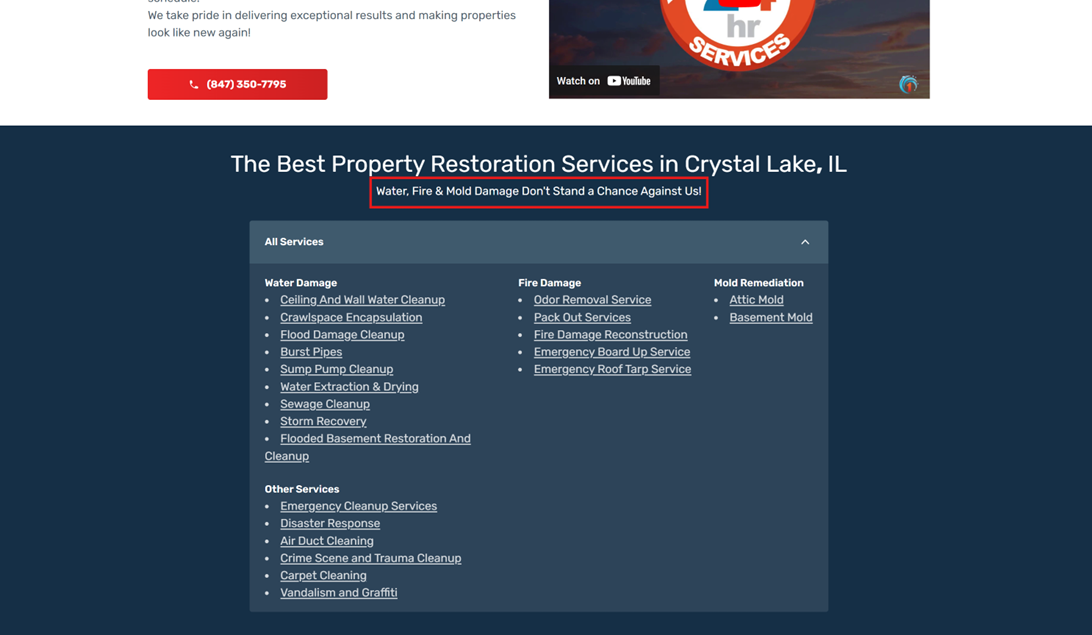
Description: Provides more details about the services offered below.
Field Name: Main Services
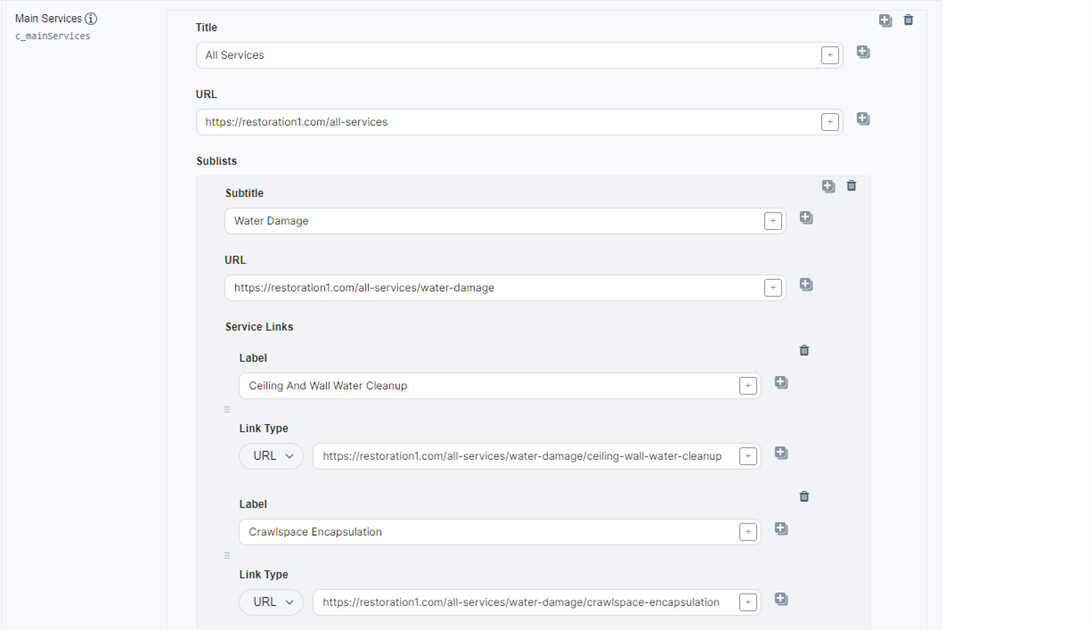
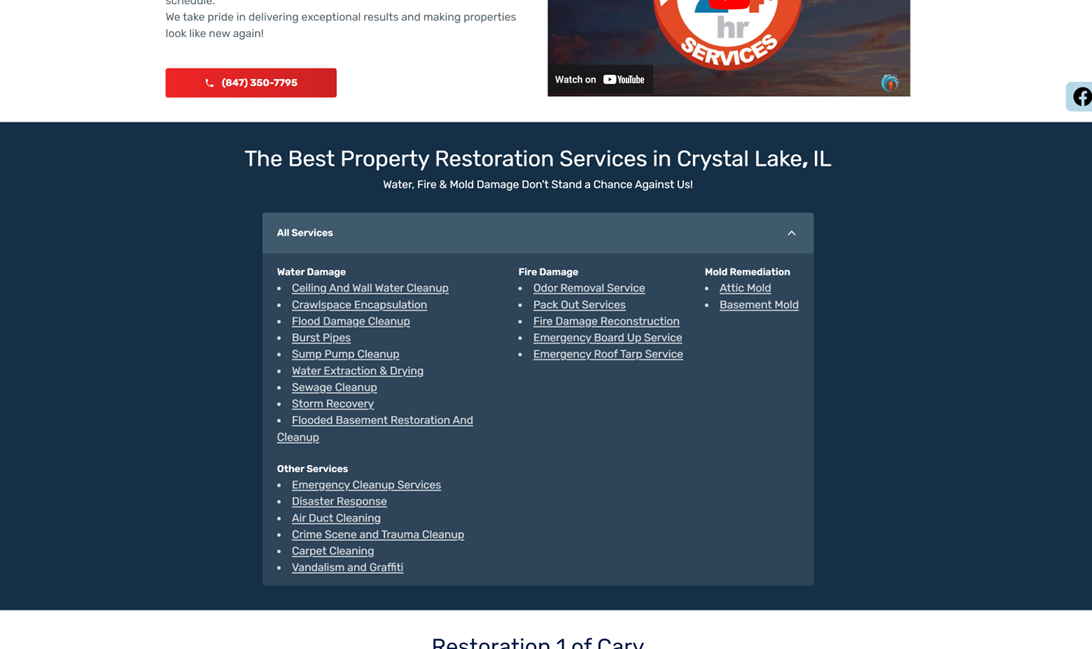
Description: A list showcasing all services the location offers.
Pages – Promo Image Left (2)
The “Promo Image Left (2)” section offers an additional space to highlight promotional content with an image placed to the left of the accompanying text.
Field Name: Promotion
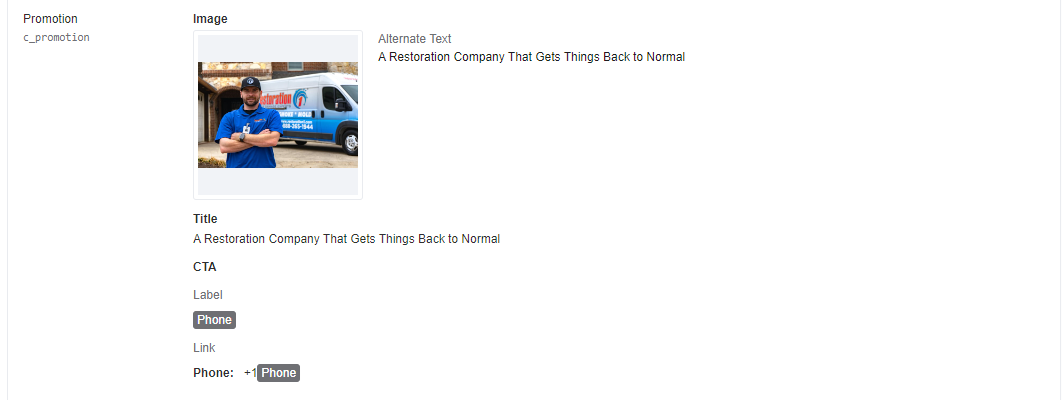
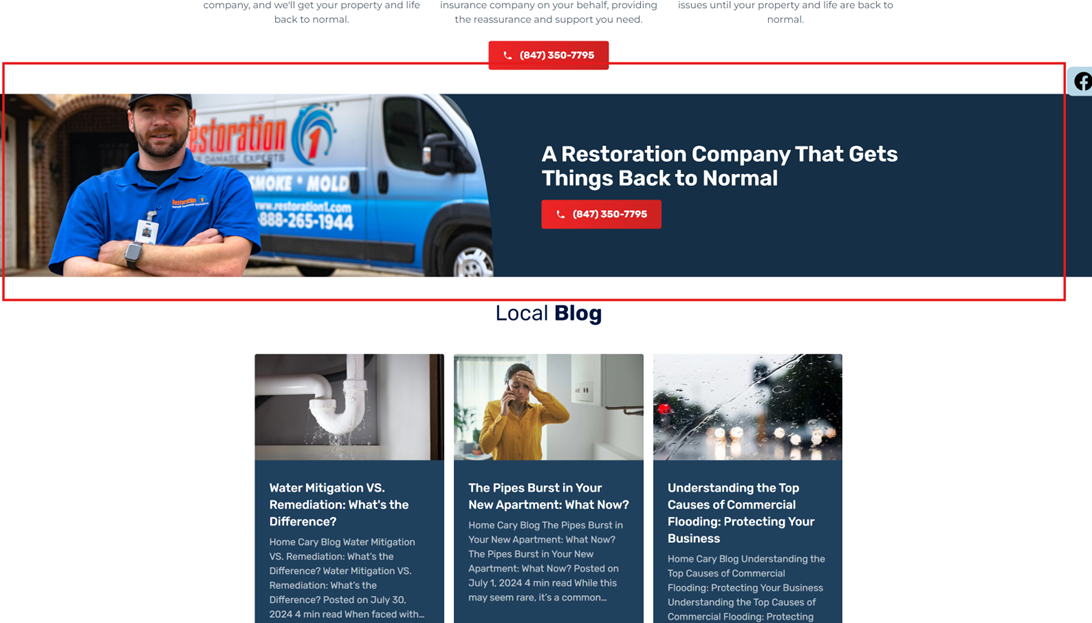
Description: Showcases another photo, small title, and CTA for your location.
Business Details
The “Business Details” section encompasses vital information about your business that is shared across directory listings, including Google Business Profile and other platforms.
Field Name: Description

Description: Excerpt used for a business description across directory listings.
Field Name: Hours
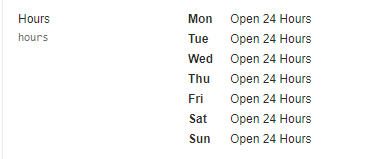
Description: Displays business hours across directory listings.
Contact, Websites, Apps
The “Contact, Websites, Apps” section encompasses essential fields that facilitate communication between your business and potential customers.
Field Name: Emails

Description: Emails that will receive online web forms submitted by customers.
Field Name: Website URL

Description: The web URL displayed on directory listings.
Field Name: Business Logo
Description: Used as your business logo on directory listings and local pages.
Field Name: Photo Gallery

Description: Photos used exclusively on your directory listings.
Field Name: Videos

Description: Videos used exclusively on your directory listings.
Social Media
The “Social Media” section enables you to connect your business with customers across various social platforms by adding your social media URLs to your directory listings.
Field Name: X Handle, Facebook Page URL, Instagram Handle
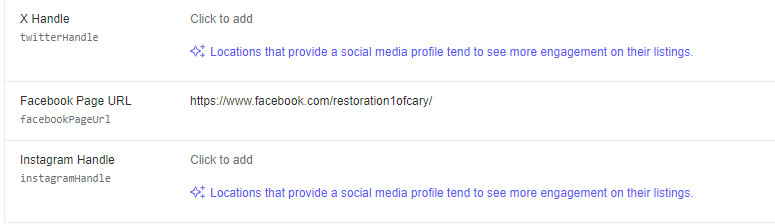
Description: Add your social media URLs to share on your directory listings.
Additional Attributes
The “Additional Attributes” section provides an opportunity to include supplementary information about your business that can enhance your directory listings and overall online presence.
Field Name: Year Established

Description: Showcases the year your business was established on directory listings.
Field Name: Services
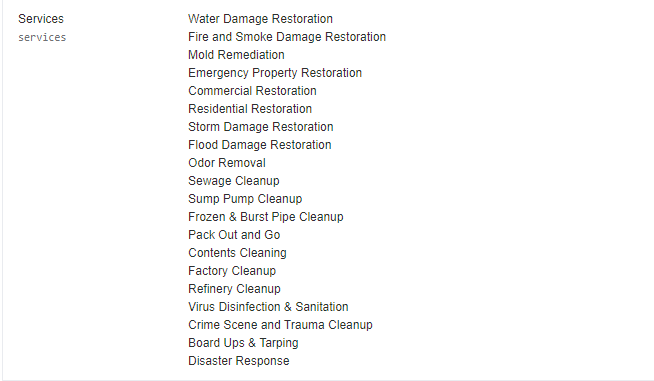
Description: A list of services you provide, shared on directory listings.
Field Name: Associations
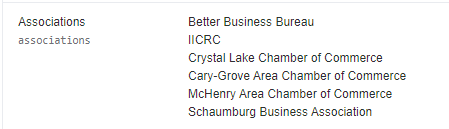
Description: Showcases different associations or groups you are part of.
Other Fields
The “Other Fields” section contains additional important information and configurations that don’t neatly fit into the previous categories but are essential for optimizing your location’s online presence.
Field Name: Frequently Asked Questions

Description: Shares FAQs on your Google Business Profile and other listings.
Field Name: Google Place ID

Description: Used to sync Yext information with Google. Preset Field
Field Name: LinkedIn URL

Description: Shares your LinkedIn URL on Google Business Profile and other directories.
Field Name: Slug
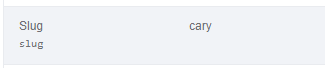
Description: Denotes the URL for the location page. Preset Field
Field Name: YouTube Channel URL

Description: Shares your YouTube channel across directories.
Field Name: BirdEye Write a Review URL

Description: Used as the "Write a Review" button on the website. Preset Field
Field Name: Child Entity
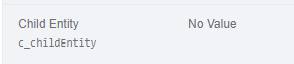
Description: If multiple territories are owned under one location, the child territory IDs are listed here. Powers part of the Locator. Preset Field
Field Name: Cities
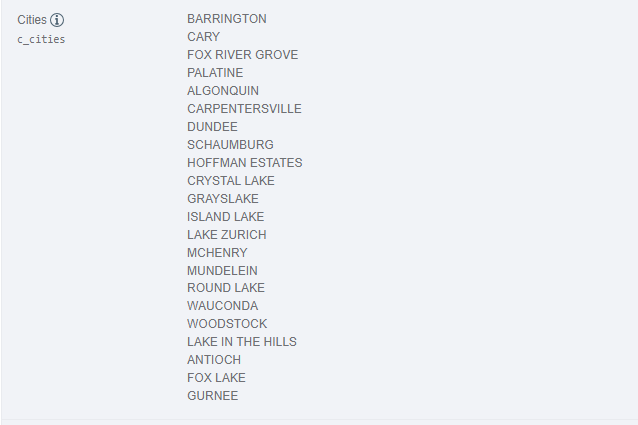
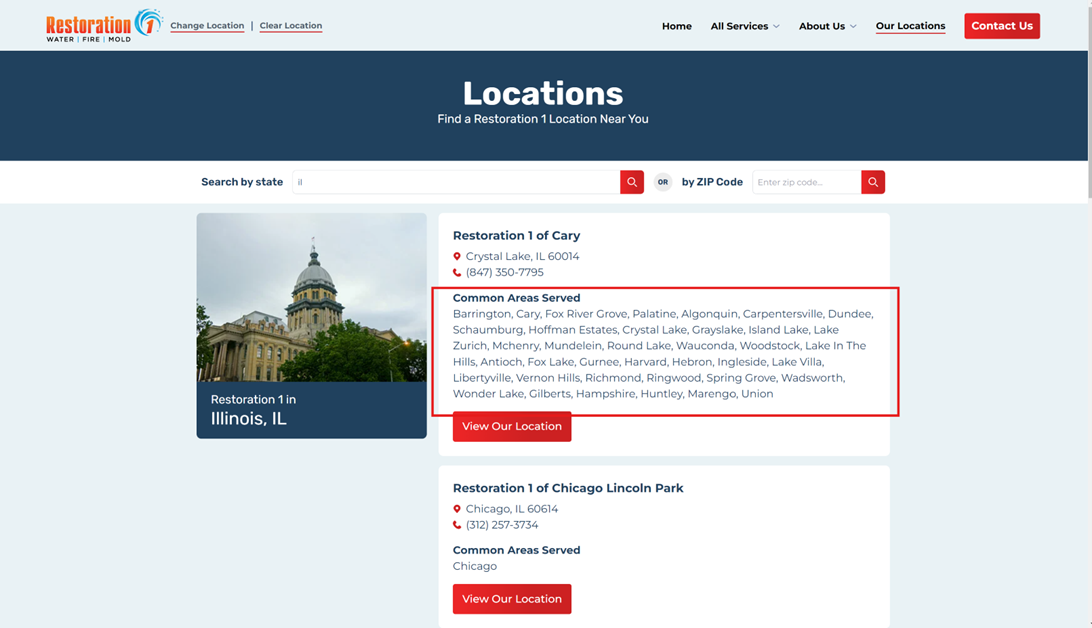
Description: Showcases cities served on the location listing, pulled directly from the mapping program API. Preset Field
Field Name: Google Phone

Description: Synced with Google only. This is your Google Business Profile tracking number in CallRail. Preset Field
Field Name: Related Blogs for Service Area
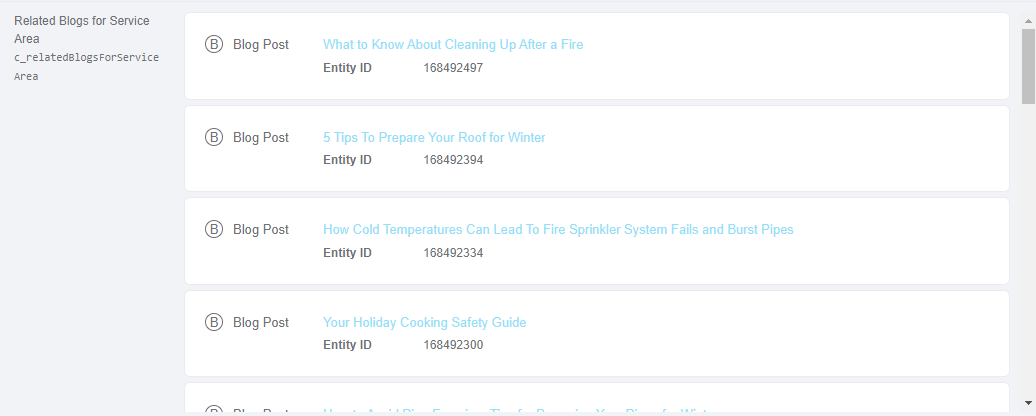
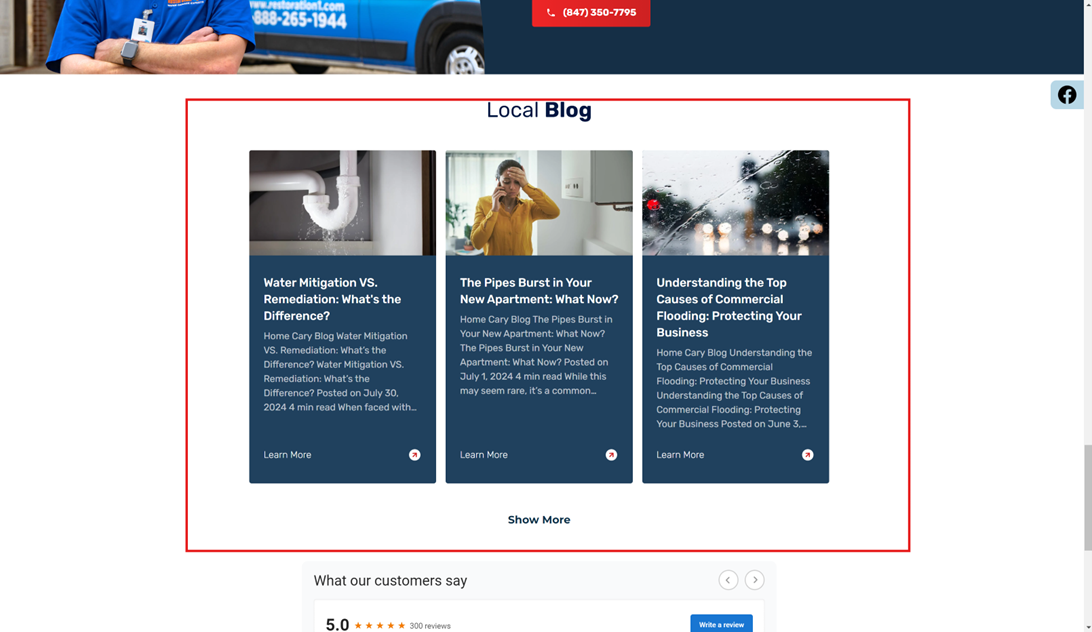
Description: Showcases all local blogs for your location, powering the blogs in the footer of your location page and your dedicated blog page. Preset Field
Field Name: Zip Codes
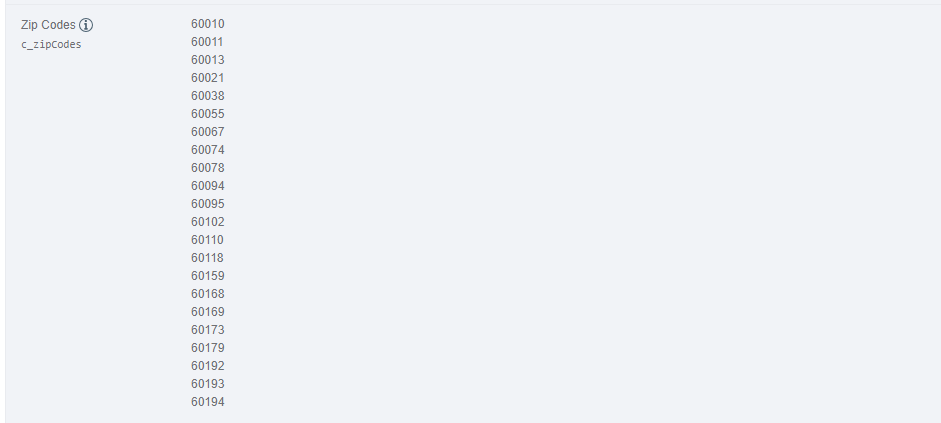
Description: Pulled automatically from the mapping program API. These zip codes power the locator search. Preset Field
- By understanding and properly utilizing each field, you can optimize your location’s online presence both on your website and across various directory listings.